
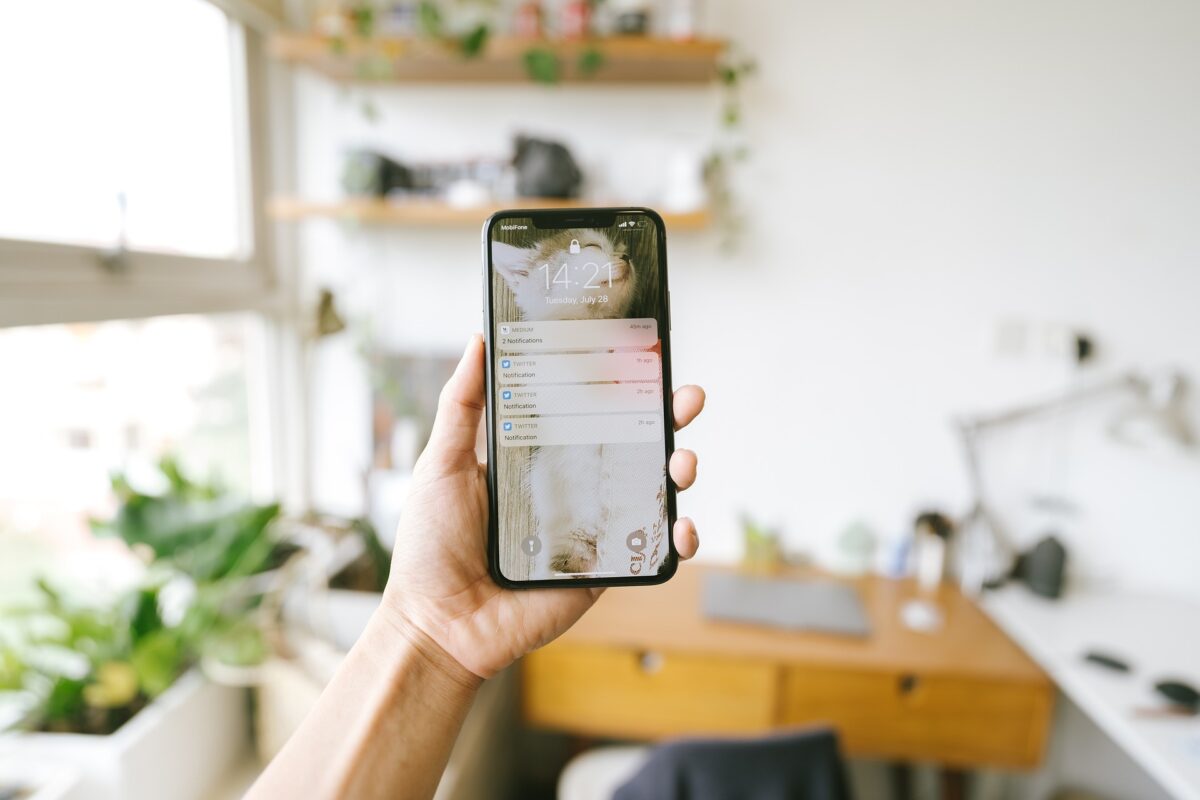
You feel it before you can name it: the low hum of dread every time your screen lights up. That’s not a personal failing. It’s a predictable response to a system that was designed to interrupt you as often as possible.
The good news is that the fix doesn’t require a digital detox, a new phone, or willpower. It requires about ten minutes and a specific checklist. But first, it helps to see the actual scale of the problem — because the numbers are more extreme than most people assume.
The problem, in numbers
You’re being interrupted far more than you think. Depending on which recent survey you look at, Americans check their phones anywhere from 96 to 205 times a day — roughly once every 5 to 10 minutes of waking life. Some datasets put total daily “touches” (unlocks, taps, notification glances) as high as 2,600+ times a day for the average person. Layer onto that the sheer volume arriving from apps: the average smartphone user now receives between 46 and 63 push notifications a day across all their apps combined.
Each interruption has a real cost, not just an annoying one. Research from UC Irvine’s Gloria Mark, one of the most cited researchers on workplace attention, has repeatedly found that it can take over 23 minutes to fully return to a task after an interruption. Her later work also found the average time people spend focused on one screen before switching has collapsed to under a minute in recent tracking. Even researchers who’ve challenged the exact “23 minutes” framing agree on the underlying mechanism: switching costs are real, and they compound across a day of pings.
Fatigue isn’t just a feeling — it changes behavior. A mixed-methods study published in the Asian Journal of Education and Social Studies found that it wasn’t the sheer frequency of notifications that predicted lower well-being — it was alert fatigue and attention disruption that emerged as the strongest predictors. In other words, the damage comes from the accumulated dread and constant task-switching, not just the raw count.
It also drives people to abandon apps entirely, in both directions. A widely cited study by Localytics found that 52% of users who disable an app’s push notifications eventually stop using the app altogether — meaning over-notifying doesn’t just annoy people, it actively pushes them away. Meanwhile, 63% of U.S. workers report checking work email outside of working hours, according to Asana’s Anatomy of Work research, blurring the line between “on” and “off” almost entirely.
And it’s not just consumer apps — the same pattern shows up everywhere alerts exist. In clinical settings, 81% of physicians report the volume of alerts they receive is excessive, and 68% say it leaves them less focused. In security operations centers, 76% of organizations cite alert fatigue as a top challenge, with the majority of alerts going unaddressed. The pattern is consistent: when everything is flagged as urgent, nothing gets treated as urgent.
The common thread across every one of these studies is the same. Volume overwhelms judgment. Once that happens, people stop discriminating between what matters and what doesn’t — they just start tuning out everything, including the things that were actually important.
That’s the case for an audit. Not a vague resolution to “check your phone less,” but a structured pass through your actual settings that separates signal from noise.
The 10-Minute Notification Audit
Set a timer. Work through these five steps in order. Don’t overthink any single app — the goal is fast, decisive cuts, not a perfectly optimized system.
Minute 1–2: Pull up the master list
On iPhone: Settings → Notifications. On Android: Settings → Notifications → App notifications. This gives you a single scrollable list of every app that’s allowed to interrupt you. Most people have never looked at this screen in full — you’ll likely find apps you forgot were even sending notifications.
Minute 3–5: Apply the “would I be upset to miss this” test
Go app by app and ask one question: if this notification didn’t arrive for a week, would anything bad happen? For the vast majority of apps — games, shopping, social media, most news apps — the honest answer is no. Turn those off completely rather than downgrading them, since partial notifications (badges with no banner, etc.) still create the itch to check.
Keep notifications fully on only for things with real time-sensitivity and personal stakes: messages from actual people, calendar reminders, security alerts, and anything work-critical that your role genuinely requires in real time.
Minute 6–7: Fix the “everything is urgent” apps
For apps you’re keeping but that over-notify (email, Slack, project management tools), don’t just leave them at full blast — most platforms let you narrow what triggers an alert. Turn off notifications for reactions, “someone is typing,” general channel activity, and app-generated engagement nudges. Keep only direct mentions and direct messages. This is the single highest-leverage change for anyone in a knowledge-work job, since tool sprawl and unfiltered alerts are consistently identified as the biggest driver of burnout in always-on work environments.
Minute 8–9: Set boundaries, not just filters
Turn on your phone’s scheduled Do Not Disturb or Focus mode for at least one consistent block a day — most people benefit most from protecting the first hour of the morning and the last hour before bed. If your phone supports per-contact overrides (“allow calls from favorites only”), use that instead of an all-or-nothing toggle, so genuine emergencies can still reach you.
Minute 10: Do a 24-hour gut check
After a day of living with the new settings, look at what actually came through. If you catch yourself opening an app anyway “just in case,” that’s a sign your original instinct to keep its notifications was right — turn it back on. If nothing bad happened despite silence, that’s confirmation the cut was correct. The audit isn’t a one-time event; a quick version of this check is worth repeating every few months as you install new apps.
Why this works better than “just using your phone less”
Willpower-based fixes (screen time limits, leaving your phone in another room) fight the symptom. An audit fixes the input. If the phone genuinely has nothing urgent to tell you, the compulsive checking has less to feed on — you’re not white-knuckling your way past a badge count, because there isn’t one.
This also matches what the research suggests actually moves the needle: it’s not notification frequency alone that predicts poor well-being, it’s the accumulated fatigue and disruption. Cut the disruption at the source, and the frequency problem often resolves on its own.
Ten minutes now saves you an unknown number of 23-minute recovery cycles for the rest of the week. Set the timer and go.